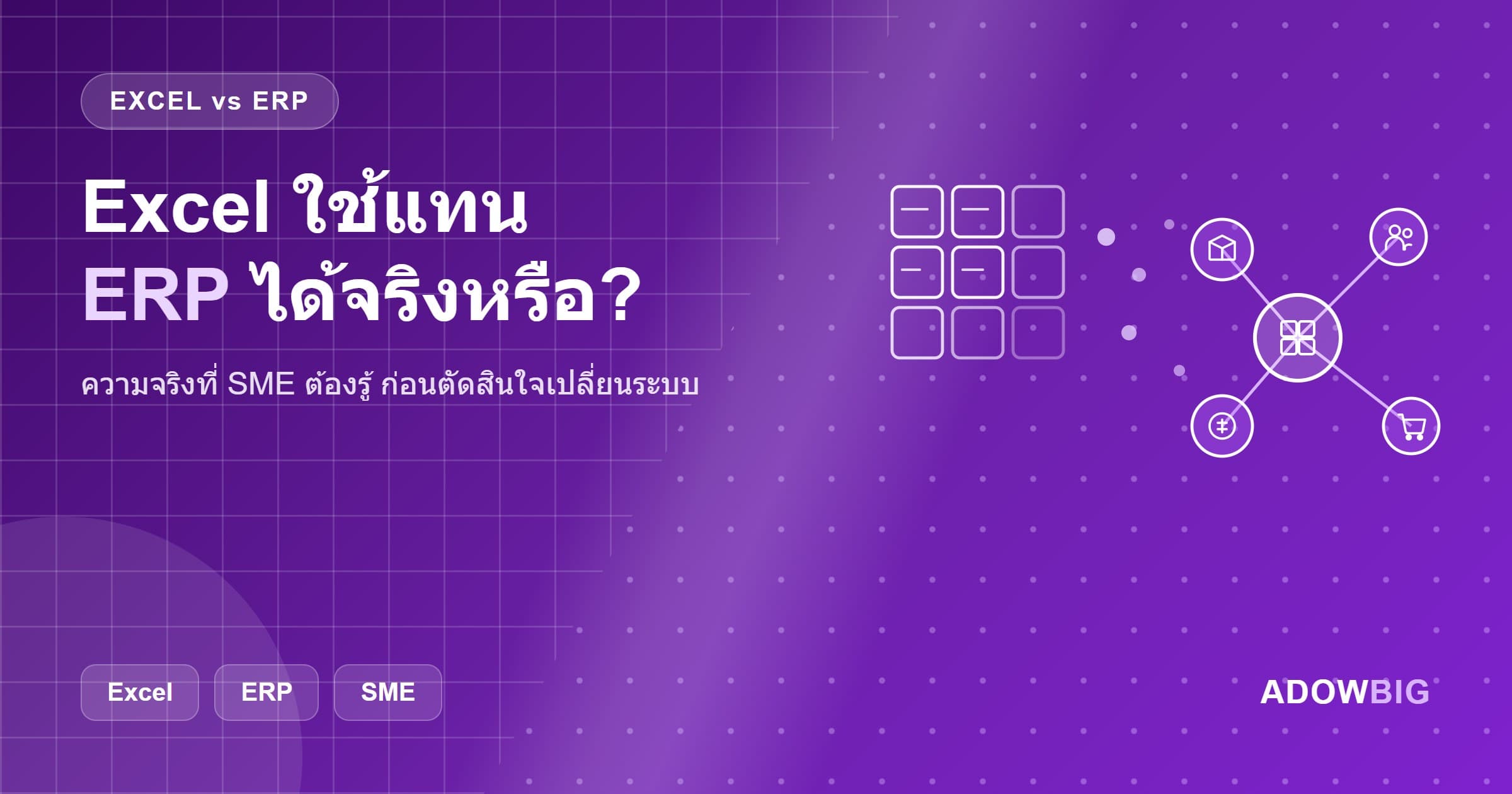
Common SME Question: "Can Excel Replace ERP?"
The short answer is no — but Excel still has its place.
Excel is an excellent tool for data analysis, financial modeling, or ad-hoc reporting. But it is not an ERP because it lacks the business logic that makes Enterprise Resource Planning actually work.
What Is ERP?
ERP (Enterprise Resource Planning) is software that consolidates management of all business resources in one place:
- Inventory & Warehouse — track stock levels, movement, reorder points
- Purchasing — PO, vendor management, receiving
- Manufacturing — work orders, BOM, production planning
- Sales — quotation, sales order, invoicing
- Accounting & Finance — GL, AR, AP, cash flow
- HR & Payroll — employee, payroll, leave, attendance
- CRM — customer, lead, opportunity
Key difference: every module is connected in real time. When you sell something, stock decreases immediately. When payment is received, accounting updates instantly. No re-entering data.
Why Excel Is Not ERP
1. No Built-in Business Logic
Excel calculates based on formulas you create but has no built-in business rules — like "when stock falls below minimum, auto-create a PO" or "invoice past due date, alert Finance."
2. No True Multi-user Support
When multiple people edit an Excel file simultaneously, version conflicts and data contradictions occur. ERP has a database where everyone sees the same real-time data.
3. No Audit Trail
Excel does not record who changed what or when. ERP logs every transaction with user and timestamp — critical for compliance and auditing.
4. Doesn't Scale
Small businesses with few transactions can manage with Excel. But with 1,000 SKUs, 500 customers, and 200 transactions per day, Excel becomes slow and error-prone.
5. Limited Integration
Excel cannot integrate directly with other systems — you must manually export and import, causing data delays and frequent errors.
Does Excel Still Have a Place?
Yes — but only in the right use cases:
✅ Excel is good for:
- Financial modeling and scenario planning
- Ad-hoc analysis and temporary dashboards
- Exporting data from ERP for additional analysis
- Businesses that are just starting with very few transactions
❌ Excel is not suitable for:
- Primary inventory and warehouse system
- Primary accounting and finance
- Primary sales system
- Anything requiring real-time multi-user access
7 Signs It Is Time to Move from Excel to ERP
- You have more than 10 Excel files connected by complex formulas — editing one breaks others
- Monthly close takes more than 3 days — team chasing data from multiple sources
- Stock discrepancies are frequent — Excel not updating in real time causes overselling
- Reports from different departments don't match — Finance, Sales, Warehouse using different data sets
- New employees take months to learn the system — complex undocumented Excel workbooks
- Data loss occurs frequently — no automatic backup or file corruption issues
- Business is growing rapidly — 50%+ transaction growth in 6 months exceeds Excel's capacity
Which ERP Is Right for Thai SMEs?
Odoo — Most Popular for SMEs
Best for: All business sizes, has a free Community Version
Strengths: Modern UI, comprehensive modules (50+), large community
Cost: Community Edition free, Enterprise Edition per user/month
Adowbig supports: Installation, customization, data migration, support
ERPNext — Flexible Open Source
Best for: Manufacturing, healthcare, nonprofits
Strengths: 100% open source, strong manufacturing module
Cost: Free (self-hosted) or Frappe Cloud
Custom ERP
Best for: Businesses with processes too specific for off-the-shelf solutions
Strengths: 100% requirement match, best integration with existing systems
Cost: Higher upfront, but better long-term fit
Steps to Migrate from Excel to ERP
- Audit current processes — map all processes currently handled in Excel
- Choose the right ERP — evaluate based on required modules, budget, IT team
- Clean your data — purify master data (products, customers, vendors) before migration
- Migrate data — move data from Excel into ERP
- Train the team — everyone must understand the new ERP workflow
- Go-live in parallel — run both Excel and ERP for the first 1-2 months to verify
- Cut over — stop using Excel as the primary system
How Adowbig Helps with ERP
We are ERP specialists who understand Thai business context:
- ERP Consulting — analyze requirements and recommend the right ERP
- Odoo / ERPNext Implementation — install, configure, and customize to match your processes
- Data Migration — migrate data from Excel with high accuracy
- Training — train your team to use ERP effectively
- Post-launch Support — SLA and helpdesk after go-live
Ready to move from Excel to ERP? Consult the Adowbig team for free — we will assess scope and map out your roadmap.