Problems API Integration Solves
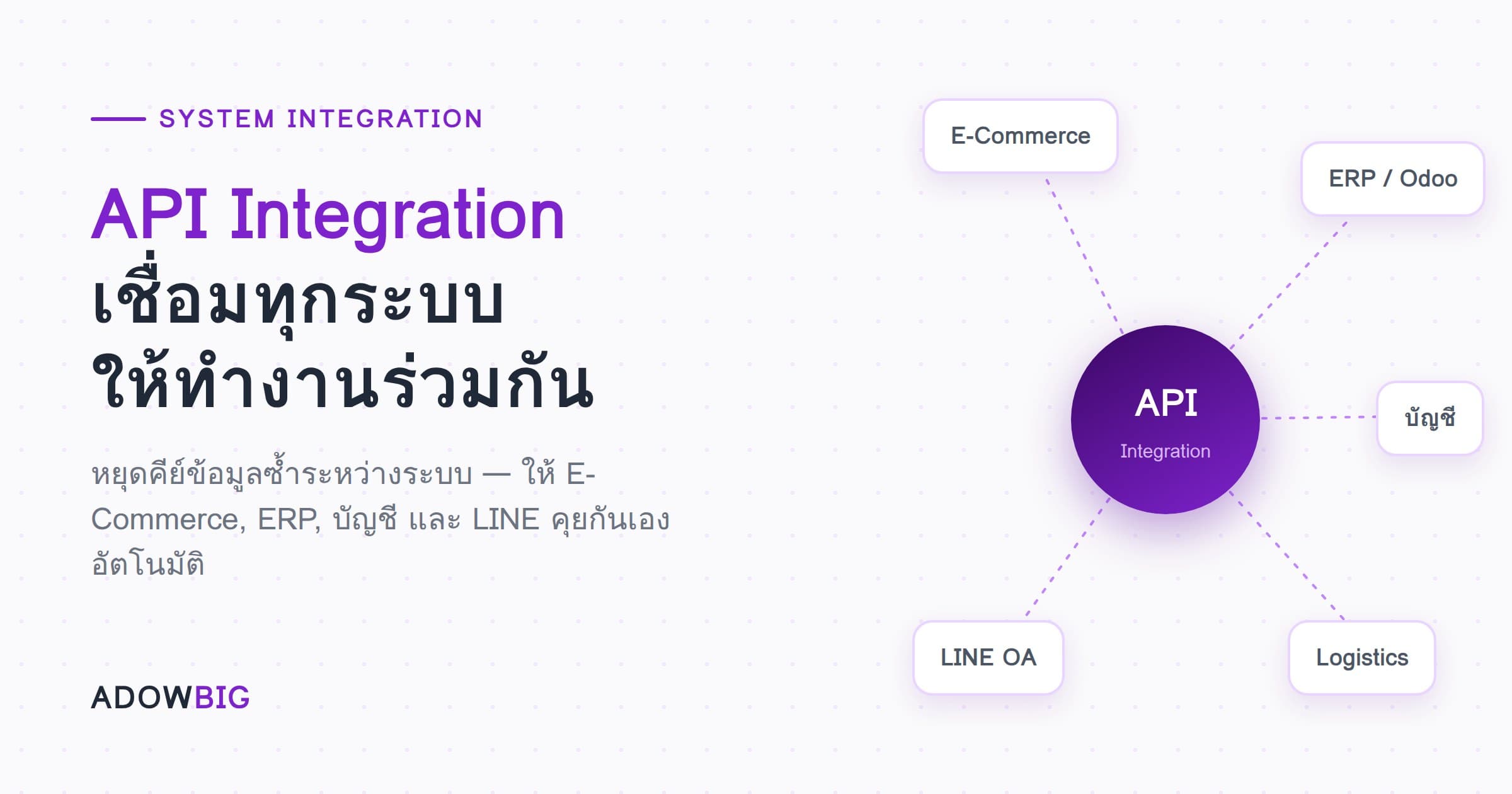
Picture this: a customer places an order online → staff manually enters data into ERP → ERP updates stock → staff manually notifies Logistics → Logistics sends tracking to customer.
Every step involves manual work that causes repeated delays and errors.
API Integration connects all those steps to run automatically. When a customer orders, data flows through entirely without anyone doing anything extra.
What Is an API?
API (Application Programming Interface) is the "channel" two software systems use to communicate.
Think of it as a restaurant waiter:
- Customer (System A) places an order
- Waiter (API) takes the order to the kitchen
- Kitchen (System B) prepares it and sends it back
APIs define what format a Request must be sent in, and what Response format to expect, enabling correct data exchange.
Popular API Integration Use Cases
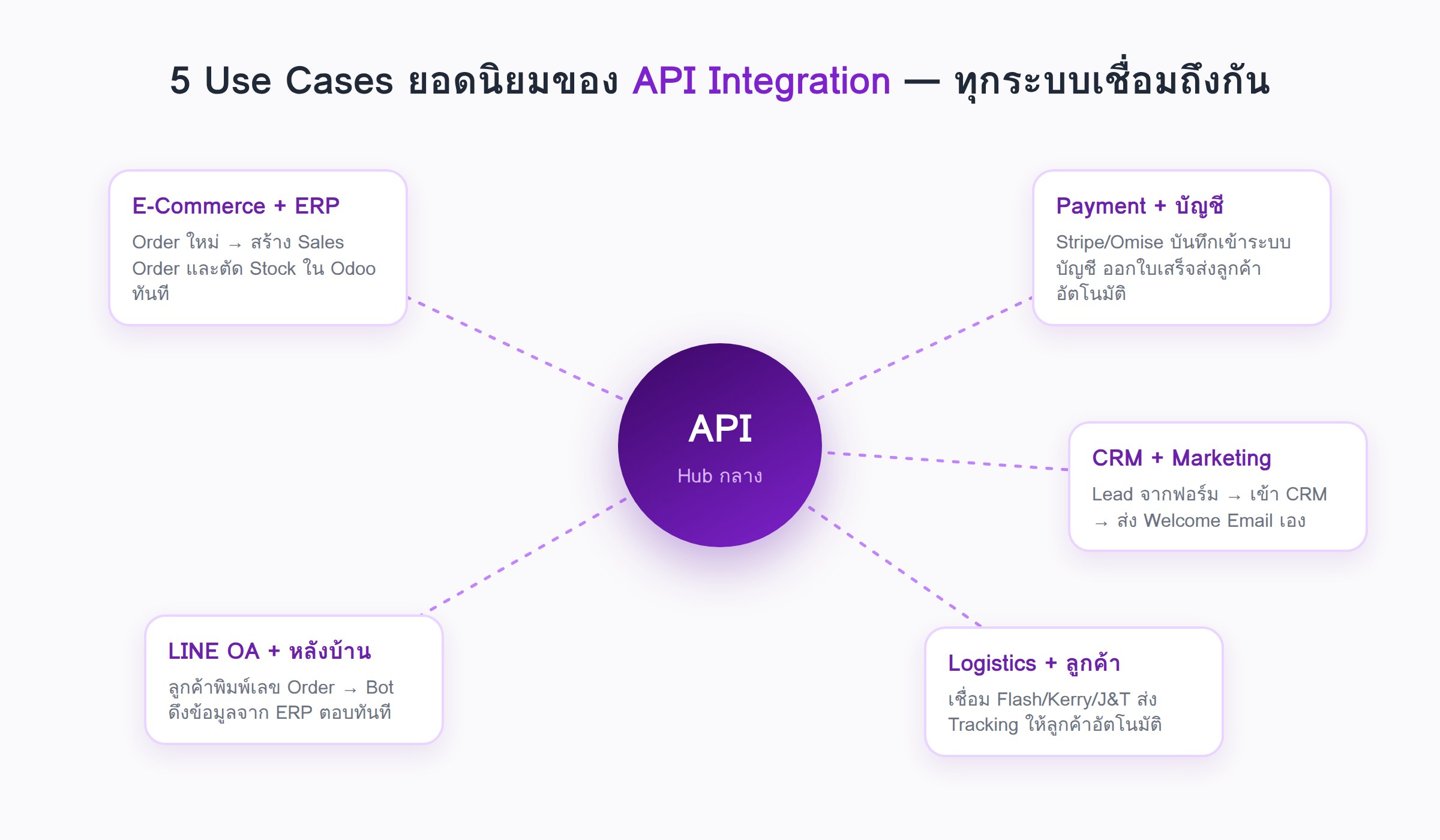
1. E-Commerce + ERP
- Shopify/WooCommerce → automatically create Sales Orders in Odoo/ERPNext
- Instantly reduce stock in ERP when new orders arrive
- ERP product prices auto-update to E-Commerce
2. Payment + Accounting
- Stripe/Omise → automatically record transactions in Accounting System
- Issue Receipt/Invoice and email customer immediately after payment
3. CRM + Marketing
- HubSpot/Salesforce ↔ Email Marketing (Mailchimp, ActiveCampaign)
- New lead from form → enter CRM → send Welcome Email automatically
4. Logistics + Customer
- Connect ERP to Flash/Kerry/J&T API
- Automatically send Tracking Number to customer after packing
5. Line Official Account + Backend
- Customer types Order number in Line → Bot pulls data from ERP and responds automatically
Types of API Integration
| Type | Description | Best For |
|---|---|---|
| REST API | Modern HTTP-based standard | Web, Mobile, Cloud |
| Webhook | Sender notifies on Events | Real-time notifications |
| File-based | Exchange CSV/XML files | Legacy systems |
| Database-to-DB | Direct database connection | Internal systems |
What to Consider Before API Integration
- Do both systems have APIs? — Check the API documentation of both
- Do data formats match? — A Transformation Layer may be needed
- What authentication method? — API Key, OAuth 2.0, JWT
- Error Handling — What happens to data if an error occurs mid-transfer?
- Rate Limiting — Some APIs limit requests per minute
How Adowbig Can Help
We develop Custom API Integrations including:
- Connecting E-Commerce with ERP (Odoo, ERPNext)
- Building Middleware that transforms data formats between systems
- Webhook Listeners for Real-time Sync
- Integration status monitoring dashboards
Need to connect your business systems? Consult Adowbig for free