"I tried ChatGPT but it only gives me generic answers."
This is one of the most common things we hear from business leaders and teams who are just starting with AI. In most cases, the problem isn't the AI — it's how you're asking it.
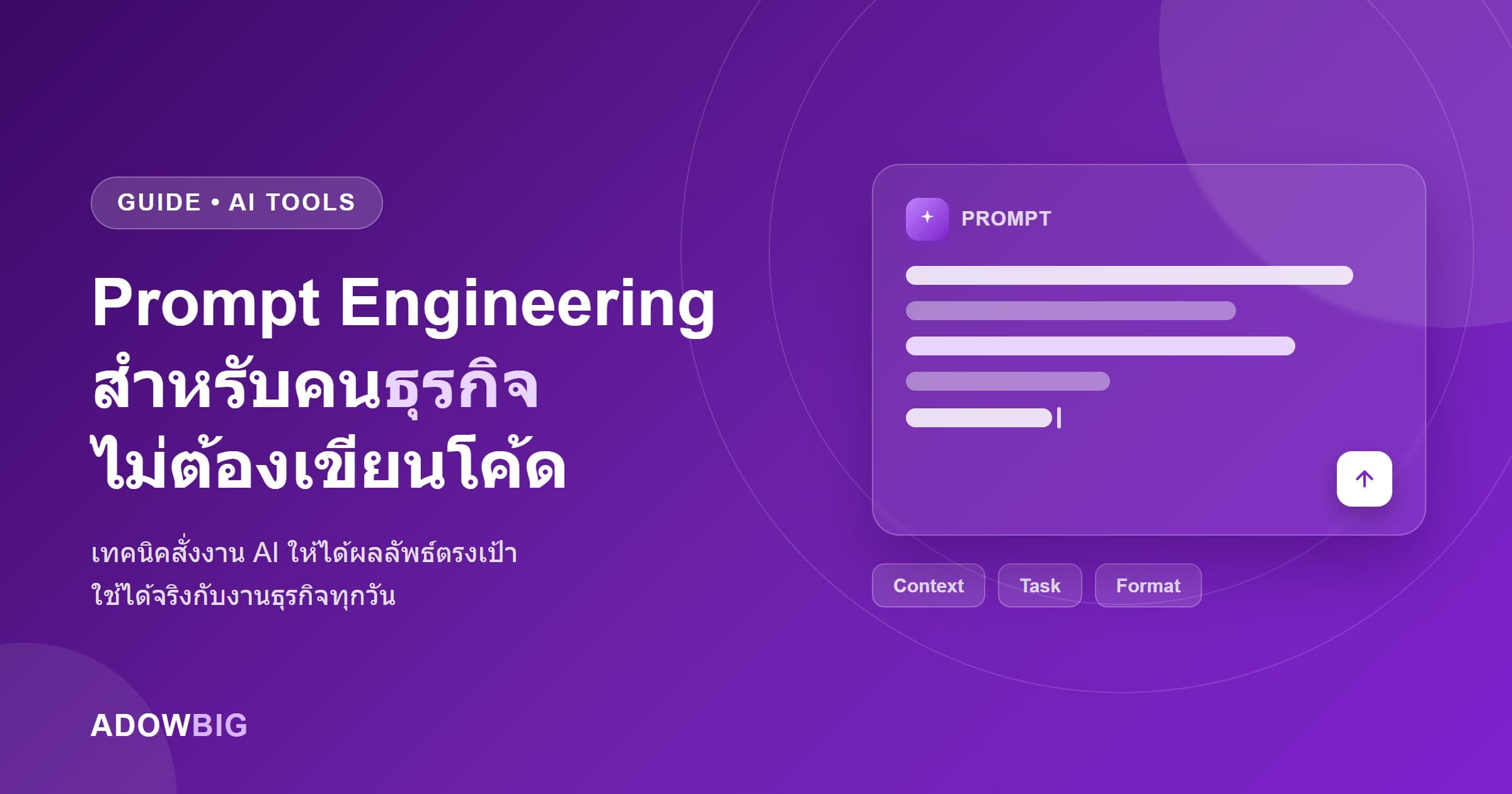
This guide teaches you practical Prompt Engineering techniques that work for real business tasks, even if you have zero technical background.
What Is Prompt Engineering?
Simply put, it's the art of giving AI clear instructions. The more context you provide, the clearer your goal, and the better your examples — the better the output.
Think of it like onboarding a brilliant new employee who has no idea about your business:
- ❌ "Write me an email"
- ✅ "Write a follow-up email to a prospect who hasn't responded in 2 weeks. Polite but urgent tone. Mention our promotion ends this Friday. Max 5 sentences."
5 Core Principles
1. Assign a Role
Tell the AI who to "be" so it uses the right knowledge base and tone.
Template:
You are a [role] with expertise in [specialty]
Examples:
- "You are an experienced B2B copywriter specializing in Thai SME marketing content"
- "You are an HR specialist with experience drafting policies for mid-sized companies"
2. Provide Enough Context
AI doesn't know what your business does, who your customers are, or what tone you prefer — tell it.
Weak: "Write a Facebook post"
Strong:
Business: We build custom software for Thai SMEs
Target audience: SME executives, ages 35–55
Tone: Professional but approachable
Goal: A Facebook post that builds awareness about ERP for wholesale businesses
Length: max 150 words
3. Specify the Output Format
| You need | Tell AI... |
|---|---|
| A list | "Give me 5 bullet points" |
| A table | "Format as a Markdown table" |
| An email | "Write as a formal business email" |
| A summary | "Summarize in 3 sentences" |
| Analysis | "Analyze pros/cons with reasoning" |
4. Use Few-Shot Examples
If you want output in a specific style, show it an example:
I want email subject lines written like these:
- "3 Reasons SMEs Should Implement ERP Before Year-End"
- "[Company] Boosted Productivity 40% With Automation"

Create 5 more in this style for promoting an AI Chatbot service.
5. Iterate Within the Same Conversation
Good prompts don't have to be perfect the first time. Refine iteratively:
- "Make it 30% shorter"
- "Option 3 is best — expand it with 2 more paragraphs"
- "Make the tone more urgent without sounding pushy"
Real Business Use Cases
HR
You are an HR manager. Draft a Job Description for a "Business Analyst"
at a mid-sized software house in Thailand.
Salary: 40,000–60,000 THB
Requirements: 5 years ERP implementation experience
Format: LinkedIn-style, in English
Marketing
Write a LinkedIn caption for a case study image.
Client: A wholesale company that reduced stock discrepancy by 95% using our ERP.
Tone: Data-driven, professional
CTA: Drive clicks to the full case study link
Length: max 200 words
Sales
Write a follow-up email after a demo presentation.
Client: A logistics SME hesitant about budget
Pain point discussed: 3-person accounting team works overtime every month-end
Solution proposed: Monthly subscription ERP
Address their pain point directly. 4–5 sentences.
What to Avoid
- Vague prompts — "Make it better" → Better how?
- Walls of unstructured text — Use bullet points to organize context
- Confidential data — Never paste passwords, customer data, or trade secrets
- Trusting all output — AI can be wrong, especially with numbers and facts
Start Practicing Today
Begin with tasks you do repeatedly every week: writing reports, summarizing meeting notes, or drafting important emails. Experiment with prompts and refine until you're satisfied. After enough repetition, you'll have a personal prompt library that saves hours per week.
AI doesn't replace hard workers — it amplifies people who know how to use it.