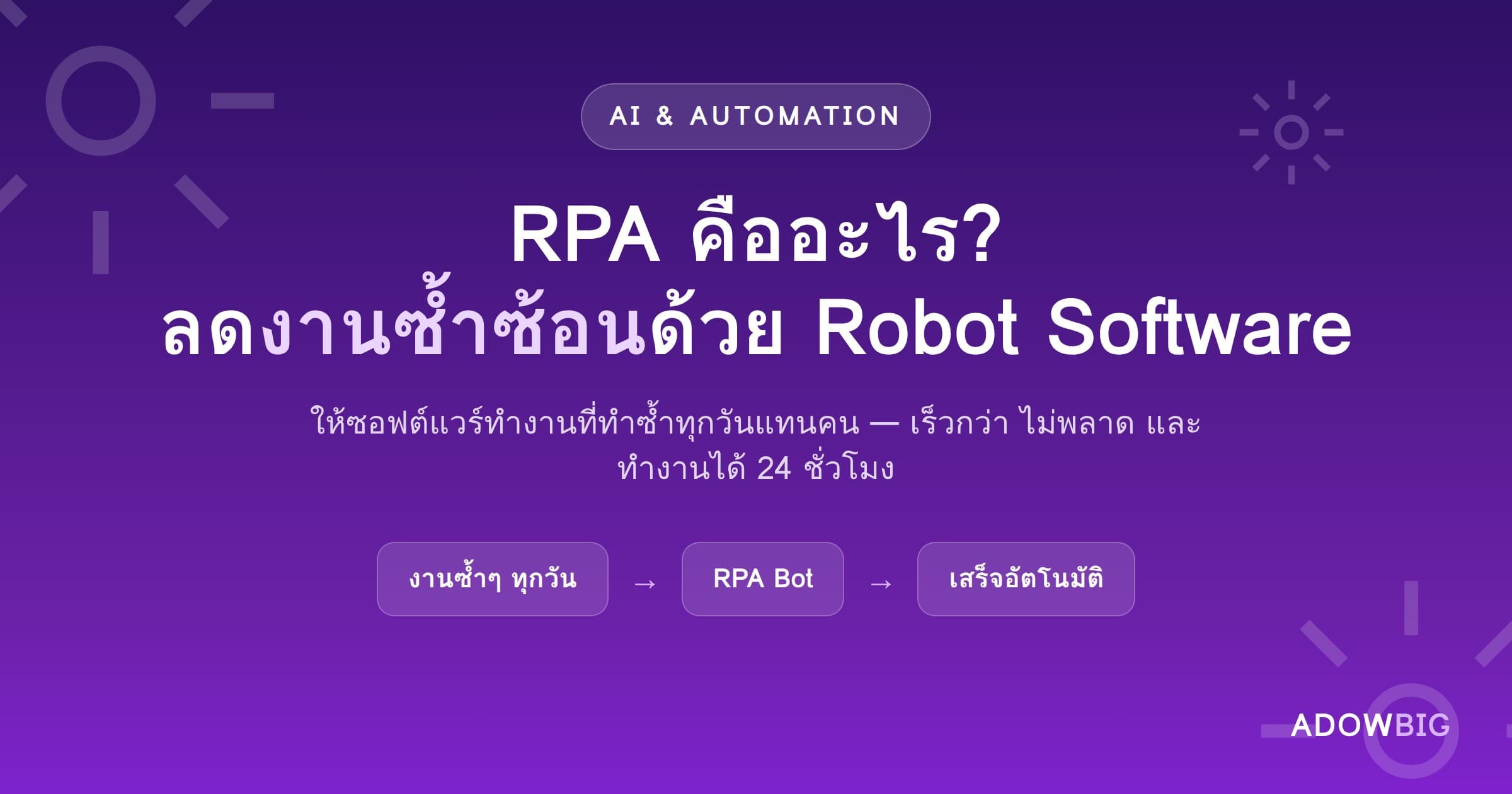
What Is RPA?
RPA (Robotic Process Automation) is software that mimics human actions on a computer — clicking, copying, pasting, filling forms — to automate routine tasks automatically.
Unlike AI that must "learn," RPA follows defined rules precisely. It suits tasks with clear steps, high repetition, and no decision-making required.
What Can RPA Do?
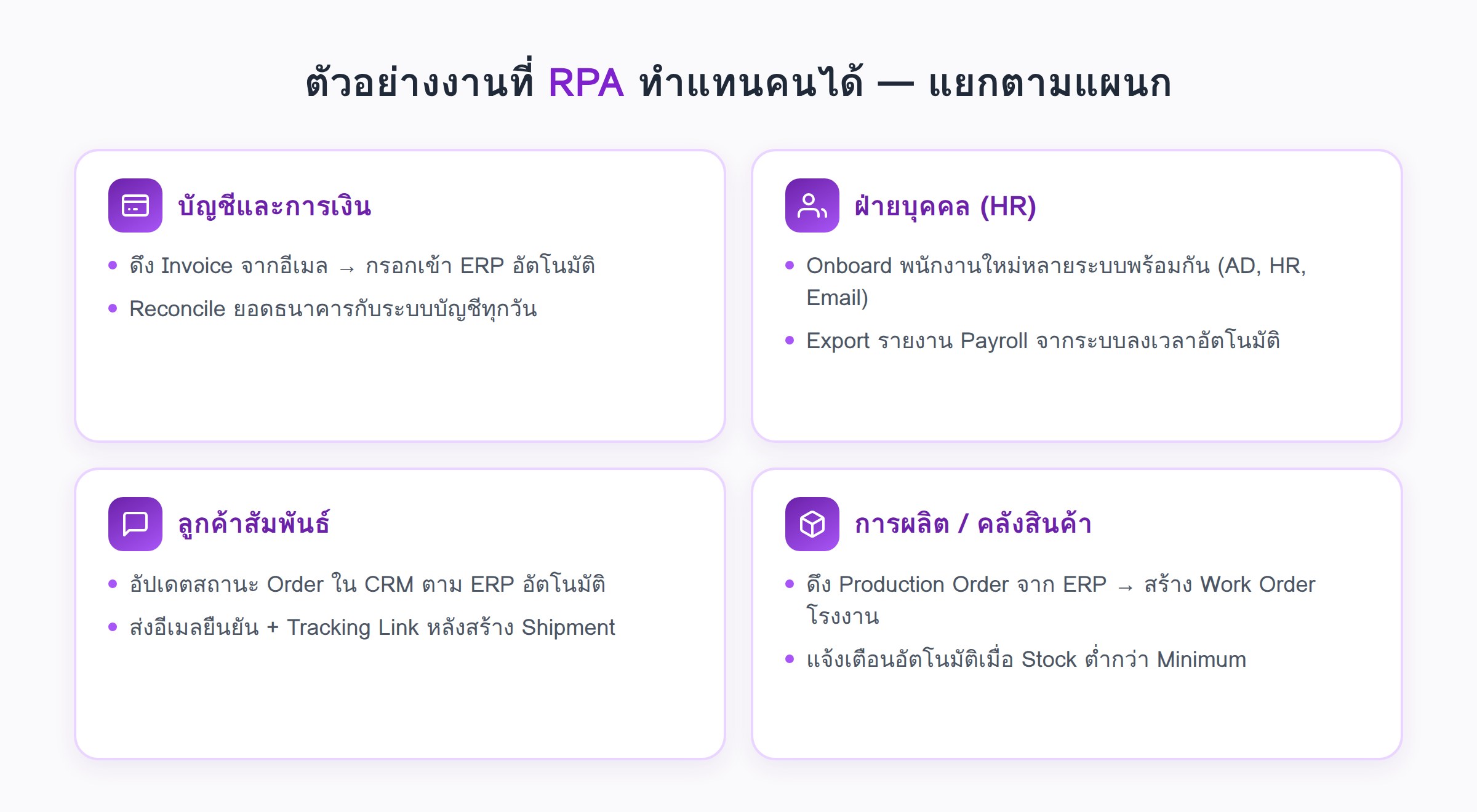
Accounting & Finance
- Extract Invoice data from email → auto-fill in ERP
- Issue Credit/Debit Notes based on defined conditions
- Reconcile bank statements with accounting system daily
HR
- Onboard new employees across multiple systems simultaneously (AD, HR System, Email)
- Send birthday and Contract Renewal reminders automatically
- Export Payroll reports from Attendance System
Customer Relations
- Update Order status in CRM when ERP changes
- Send confirmation emails and Tracking Links after Shipment creation
- Migrate customer data between systems without errors
Production / Warehouse
- Pull Production Orders from ERP → create Work Orders in factory system
- Alert when Stock falls below Minimum automatically
RPA vs AI: What's the Difference?
| RPA | AI / ML | |
|---|---|---|
| Works by | Defined rules | Learned patterns |
| Best for | Structured, repetitive tasks | Unstructured, decision-based tasks |
| Flexibility | Low | High |
| Implementation Cost | Low–Medium | High |
| Time to ROI | 2–6 months | 6–18 months |
Many organizations use Intelligent Automation = RPA + AI together — e.g., OCR reads an Invoice, then RPA fills in the data.
Real RPA ROI
From Adowbig's experience with SME-to-enterprise clients:
- 60–80% reduction in manual work time for fully automated processes
- Error rate drops below 1% vs. 2–5% human error in data entry tasks
- ROI within 4–8 months for processes that consume 0.5–1 FTE
- Employees free for higher-value work instead of copy-pasting data
Which Processes Suit RPA?
✅ Great candidates:
- Repeated more than 20 times per day
- Clear steps, no judgment required
- Input data is already digital
❌ Poor candidates:
- Requires emotional judgment or context
- Steps change frequently
- Done only 2–3 times per month
How to Get Started with RPA
- Audit manual tasks — list what employees repeat most
- Choose a Quick Win — clear, high-repetition, low-complexity process
- Pilot 1 Process — measure ROI before expanding
- Scale gradually — add more processes after proven results
Interested in RPA for your business? See Adowbig's Automation Services or consult for free
RPAAutomationWorkflowRobotประสิทธิภาพDigital Transformation