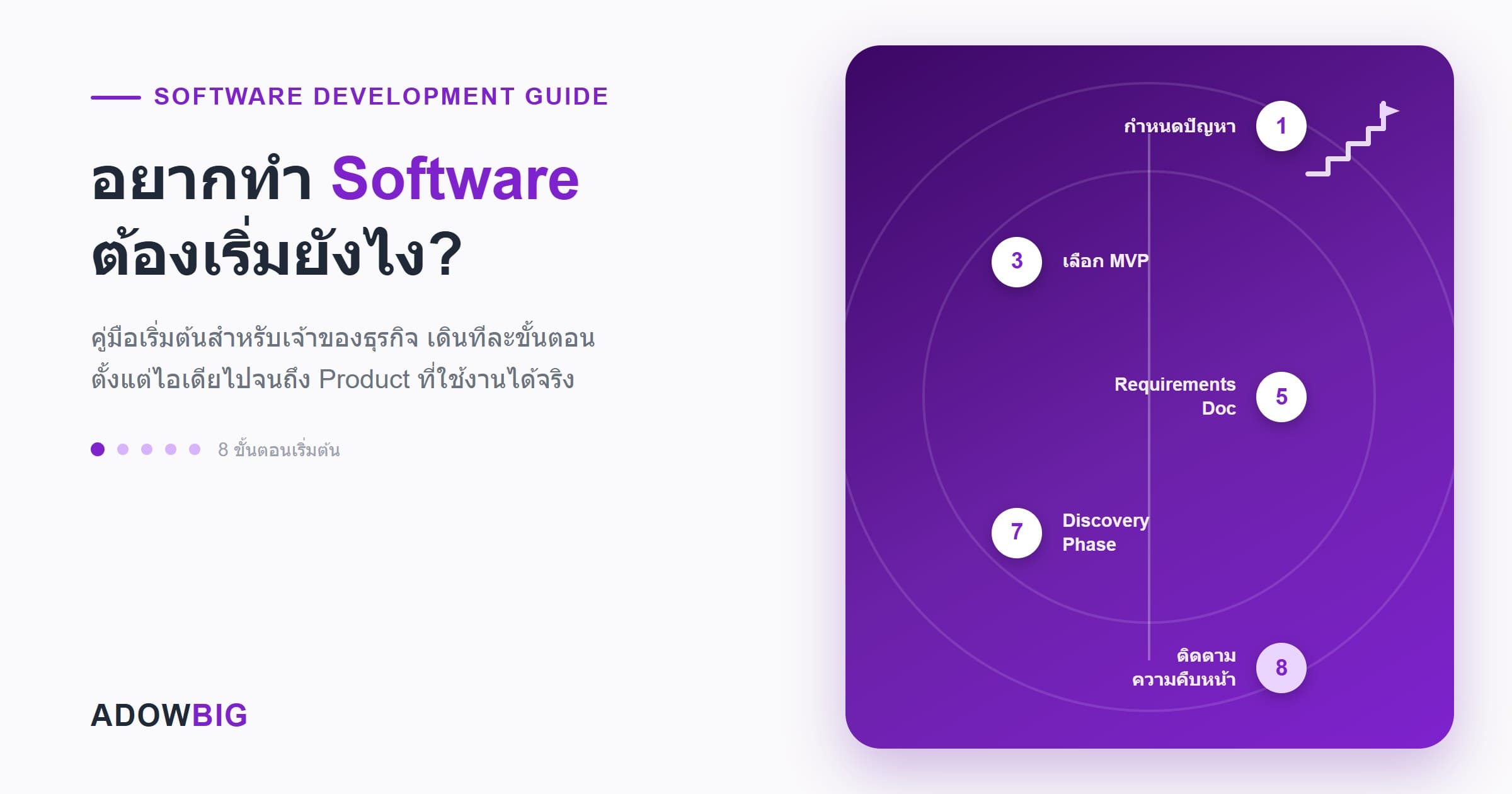
Many business owners have the idea to build software to solve a real problem — whether it's an inventory management system, a booking app, or a customer-facing platform — but get stuck on the same question: "Where do I start?"
This guide walks you through every step, from an idea to a working product, with no technical background required.
Step 1: Define the Problem Clearly
Before thinking about technology, answer this question: "What problem will this software solve?"
Good problems for software typically share these traits:
- Repetitive and frequent — tasks done manually every day that consume time
- Error-prone — data entry mistakes, miscalculations
- Needs real-time information — like knowing stock levels right now
- Doesn't scale — processes that work when the business is small but break as it grows
Example: Instead of saying "I want a hotel management app," say "Our front desk opens 3 Excel files to check room availability, and we average 2 overbooking incidents per week."
Step 2: Identify Your Users and Core Use Cases
Ask yourself:
- Who will use this software? (employees, customers, or both)
- What will they do with it? (these are your use cases)
- What devices will they use? (office computers, personal phones, warehouse tablets)
Example use cases for a warehouse system:
- Staff scans barcodes to receive incoming goods
- System automatically updates stock levels
- Manager views real-time stock reports
- System sends low-stock alerts
Step 3: Decide on MVP Before Full Product
An MVP (Minimum Viable Product) is the smallest version of your software that still delivers real value to users.
Why build an MVP first?
- Faster — launch in 2–4 months instead of waiting over a year
- Cheaper — typically 60–80% less than a full product build
- Lower risk — test your assumptions before full investment
- Real feedback — learn what users actually need before building more
How to Select MVP Features
List all the features you want, then sort them into 3 buckets:
| Bucket | Description | Include in MVP? |
|---|---|---|
| Must Have | Without this, the software is unusable | ✅ Yes |
| Should Have | Very helpful, but usable without it | ❌ Phase 2 |
| Nice to Have | Desired but not necessary | ❌ Backlog |
Step 4: Choose the Right Platform
| Your Need | Best Platform |
|---|---|
| Office use on computers | Web Application |
| Staff use while mobile | Mobile App (iOS/Android) |
| Both scenarios | Web App + Progressive Web App (PWA) |
| B2C customers | Mobile App or Web |
| Internal business system | Web Application (almost always) |
Tip: Web applications are more flexible and cheaper to start with. Mobile apps can always be added later.
Step 5: Create a Requirements Document
Before contacting a software house, prepare a short document (2–5 pages) covering:
- Business Problem — what you're trying to solve
- Target Users — who uses it and how
- Core Features — must-have features for the MVP
- Platform — web, mobile, or both
- Integrations — systems to connect (e.g., LINE, payment gateways, existing ERP)
- Timeline — target go-live date
- Budget Range — rough budget (doesn't need to be exact)
It doesn't have to be perfect — a good software house will help you refine it.
Step 6: Choose the Right Software House
With requirements in hand, evaluate software houses by:
- Portfolio — have they built something similar to what you need?
- Clear process — do they run a Discovery Phase with prototypes before coding?
- Communication — do they answer questions clearly without excessive jargon?
- Maintenance plan — how do they support the product after go-live?
- Transparent contracts — clear scope, timeline, and payment milestones
Step 7: Don't Skip the Discovery Phase
A good software house will run a Discovery Phase (also called Inception or Scoping) before any code is written. This includes:
- Stakeholder workshops
- User journey mapping
- Wireframes/prototypes
- Technical architecture design
- Accurate cost and timeline estimates
Discovery takes 1–3 weeks and has a separate cost, but it's worth every baht — it dramatically reduces project risk.
Step 8: Stay Engaged During Development
During the build:
- Join Sprint Reviews every 2 weeks — see what's been built
- Test new features immediately — don't wait until go-live
- Give feedback quickly — fixing issues during development costs far less than fixing after launch
- Use a project management tool — Linear, Jira, or even Notion works
Summary: Your Software Project Checklist
- Define the problem clearly (not just "I want an app")
- Identify users and core use cases
- Decide on MVP vs full product scope
- Choose platform (web/mobile/both)
- Prepare a basic requirements document
- Get quotes from 2–3 software houses
- Compare on process, portfolio, and communication — not just price
- Start with a Discovery Phase before development begins
Follow this checklist, and your software project has a very high chance of reaching its goals.
The Adowbig team is ready to help from day one — whether you have just an idea or a complete spec. Contact us for a free consultation