Is It Time to Build Your Own Software?
If you've been feeling that the spreadsheets your team uses are "no longer enough" — too many files, data that doesn't sync, or hours spent manually compiling reports every week — the thought "maybe we should build our own software" comes naturally.
But many who reach this point stop there because they don't know where to start, how much it costs, what to prepare, or where to find someone to build it.
This article answers all those questions with actionable steps.
Step 1 — Understand Your Problem Clearly
Before talking about software, ask yourself: "What is the main problem I want to solve?"
Common reasons companies want custom software:
- Scattered data — Sales has one file, warehouse has another, accounting has a third. Nobody knows what stock is actually available.
- Repetitive manual work — Staff copy data from one system to another every day.
- Slow reporting — Takes days to collect data before getting real numbers.
- Off-the-shelf software doesn't fit — You bought a system but the workflow doesn't match how your company operates.
- Growing business, but processes aren't scaling — More customers, but still the same manual processes.
Write your problem in concrete terms: "5 staff members spend 2 hours per day updating spreadsheets" is far more useful than "the system isn't good."
Step 2 — Define Your Scope
Once you know the problem, visualize what the software needs to do:
Examples of Clear Scope
- Customer order management system (OMS)
- Internal task or job tracking system
- Real-time sales dashboard
- Employee check-in/check-out and HR system
- Customer service request and ticket tracking portal
Questions to Answer Early
- Who will use it? — Internal team only, customers, or both?
- Web browser (Web App) or Mobile App (iOS/Android)?
- Does it need to connect to existing systems? E.g., ERP, accounting software, Line OA
The clearer your scope, the more accurate the price and timeline estimate you'll get.
Step 3 — Prepare a Basic Requirements Document
Before meeting with an IT team or software house, have a simple Business Requirements Document (BRD):
- Purpose — Why does this software need to exist? What problem does it solve?
- User Stories — Written as: "As a [role], I want [feature] so that [benefit]"
- Feature List (MoSCoW)
- Must Have — Can't function without these
- Should Have — Important but can wait briefly
- Could Have — Nice if time and budget allow
- Won't Have — Not needed in this phase
- Integration Requirements — Systems to connect with
- Constraints — Budget, timeline, required technologies
User Story Example
"As a sales rep, I want to create a quotation in the system within 5 minutes so I can send it to clients immediately without typing in Excel."
It doesn't need to be perfect — having a basic overview is enough to start a productive conversation.
Step 4 — Choose the Right Development Team
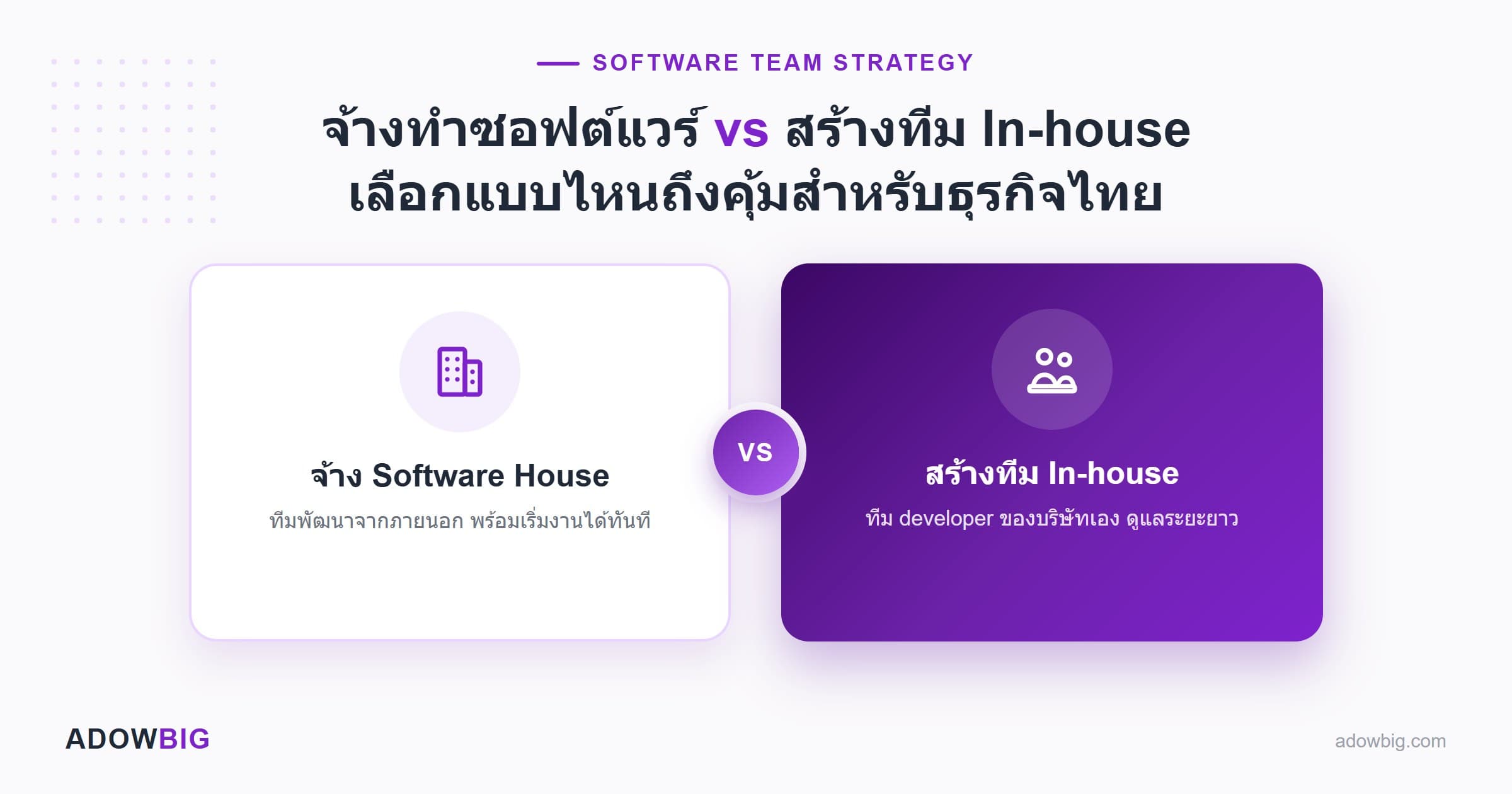
Three main options:
| Option | Pros | Cons | Best For |
|---|---|---|---|
| In-house team | Full control, deep business knowledge | High cost, hard to hire talent | Large enterprises with existing IT dept |
| Freelancer | Lower cost, flexible | High risk, limited accountability | Small projects with clear scope, when you have your own PM |
| Software House | Professional, full process | More expensive than freelancers | Mid to large projects needing long-term support |
For company software requiring long-term support, data security, and scalability — a software house typically delivers better ROI over the long run.
Step 5 — Set a Realistic Budget
Development costs vary widely based on scope. Here are rough estimates for company software in Thailand:
| Project Size | Examples | Estimate (THB) |
|---|---|---|
| Small | Dashboard, simple forms | 50,000 – 200,000 |
| Medium | Order Management, HR System, Internal Portal | 200,000 – 800,000 |
| Large | Custom ERP, multi-module system | 800,000 – 3,000,000+ |
Factors that increase cost:
- Number of integrations with other systems
- Real-time features (notifications, live dashboards)
- Additional mobile apps (iOS/Android)
- Compliance requirements (PDPA, ISO 27001)
- User base size and concurrent user load
Step 6 — The Development Process After Hiring
Adowbig's standard process:
Phase 1: Discovery & Business Analysis (1–2 weeks)
The Business Analyst team interviews your team and runs workshops to understand your actual workflows — before writing a single line of code.
Phase 2: UX Design & Wireframe (1–2 weeks)
Design the UI flow and wireframes so you can see and approve the look and feel before development begins.
Phase 3: Agile Development Sprints (4–16 weeks)
Development in 2-week sprints with demos after each sprint so you can see progress and provide feedback continuously.
Phase 4: UAT — User Acceptance Testing (1–2 weeks)
Your team tests the system with real data, reports bugs, and provides feedback before go-live.
Phase 5: Go-Live & Training
Deploy to production and train your team.
Phase 6: Support & Roadmap
Ongoing post-launch support and planning future features as your business grows.
Common Mistakes to Avoid
- ❌ Skipping proper Business Analysis — Unclear requirements lead to software that doesn't match your needs
- ❌ Changing scope mid-project — Constant additions stretch timelines and budgets
- ❌ Not testing during development — Discovering problems at go-live is expensive and stressful
- ❌ No training plan — A great system is useless if nobody knows how to use it
- ❌ Forgetting post-launch maintenance — Budget for ongoing support, not just one-time development
Summary
Building software for your company isn't complicated if you have a clear process:
- Understand your problem concretely
- Define scope and feature list
- Prepare a basic requirements document
- Choose the right development team
- Set a realistic budget and timeline
- Execute with process and continuous follow-up
Want to discuss whether the software you need fits your budget and timeline?
The Adowbig team is happy to give you free advice. Contact us today