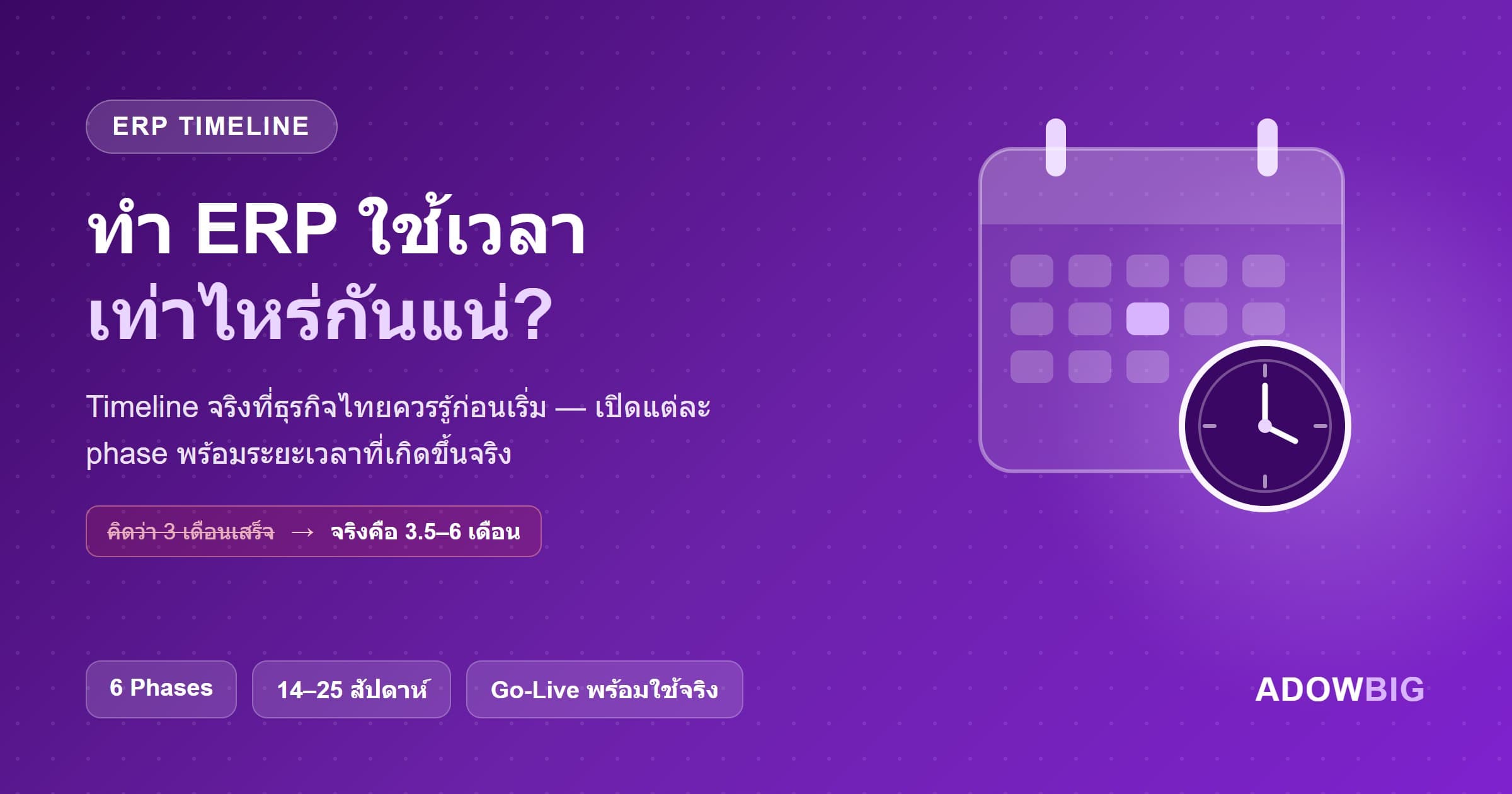
"ERP should be done in three months, right?" — This is one of the most common statements we hear at Adowbig during project kickoff meetings. And unfortunately, this expectation often diverges significantly from reality.
This is not because vendors work slowly. ERP implementation genuinely involves more moving parts than most business owners anticipate. This article gives you an honest look at real timelines so you can plan with confidence.
Average ERP Timelines by Project Size
| Project Size | Type | Real Duration |
|---|---|---|
| Small | Odoo standard, <20 users, simple processes | 2–4 months |
| Medium | Odoo/Custom, 20–100 users, moderate customization | 4–8 months |
| Large | Full Custom, 100+ users, multiple integrations | 8–18 months |
| Enterprise | Multi-site, complex workflow, legacy migration | 12–24 months |
These numbers reflect actual projects and already include buffer time for UAT and go-live stabilization.
The 5 Core Phases of ERP Implementation
Phase 1: Discovery & Planning (2–6 weeks)
This is the most critical phase, yet many clients want to skip it because "we're not seeing any software yet." The truth is, this phase determines the success of everything that follows.
Key activities:
- Process Mapping — Document the actual workflows for every department that will use the system
- Requirement Workshops — Structured sessions with all stakeholders to gather needs
- Data Audit — Assess the condition of legacy data that needs to be migrated
- Gap Analysis — Compare your requirements against what the platform already offers
- Project Planning — Define milestones, deliverables, and resource allocation
Common mistake: Clients insist they know their own processes and want to skip discovery. In practice, over 70% of requirements shift or expand after proper discovery workshops — every time, without exception.
Phase 2: Configuration & Development (6–16 weeks)
The longest phase, typically run in two-week sprints with review sessions at each milestone:
- Weeks 1–4: Core module setup (Inventory, Finance, HR) and master data import
- Weeks 5–8: Workflow customization, role permissions, and reports
- Weeks 9–12: Integration development with other systems (if applicable)
- Weeks 13–16: Advanced customization and final adjustments
What extends this phase: Data that requires far more cleaning than initially scoped, legacy integrations without documentation, and scope changes introduced during development.
Phase 3: Testing & UAT (3–6 weeks)
User Acceptance Testing (UAT) is where the client team tests the system themselves using real data and real scenarios.
The most common cause of project delays: The client team simply does not have enough time for UAT because their day-to-day workload takes priority. Bugs discovered during UAT are also more numerous than expected, and end users frequently surface new requirements they had not mentioned earlier.
How to prevent this: Schedule UAT dates in advance and block two to three hours per day in team calendars. Establish clear acceptance criteria before testing begins.
Phase 4: Training & Data Migration (2–4 weeks)
- Training: Train key users first, then use a train-the-trainer model for the wider team
- Data Migration: Move master data (customers, suppliers, products) plus whatever historical transaction data is needed
- Parallel Run: Some projects run both old and new systems simultaneously for two to four weeks to verify accuracy
Phase 5: Go-Live & Hypercare (2–4 weeks)
Go-live is not the finish line — it is the start of the "Hypercare Period," where the development team stays closely engaged:
- Weeks 1–2: Development team on-call at all times, fixing production issues rapidly
- Weeks 3–4: Performance monitoring, query optimization, workflow adjustments based on real usage feedback
- After that: Transition to regular maintenance and support mode
The Most Common Causes of Delays (and How to Prevent Them)
1. Dirty legacy data. Multiple Excel files in inconsistent formats, duplicates, and missing values slow migration to a crawl. Fix: conduct a full data audit before Phase 1 begins and assign someone accountable for data cleanup.
2. Mid-project scope changes. "We just remembered we also need this feature." Fix: lock requirements after Phase 1. Any additions go through a formal change request process with explicit timeline and budget impact acknowledged upfront.
3. Key users do not have time. The people who know the process best are usually the busiest. Fix: plan how many hours per week key users need to contribute and get leadership backing to prioritize ERP work over routine tasks.
4. Legacy system integrations without APIs. Old systems with no APIs require middleware or custom extraction solutions, which take far longer than expected. Fix: run a technical assessment of all legacy systems in Phase 1 to scope integration effort accurately.
The Key Takeaway
Good ERP takes time. There are no real shortcuts — but if you plan realistically, prepare your data well, keep your team available, and partner with an experienced team, projects can and do finish on time.
The Adowbig team is happy to assess a realistic timeline for your specific project. Reach out for a free project scoping session — no commitment required.