Why Do ERP Projects Fail?
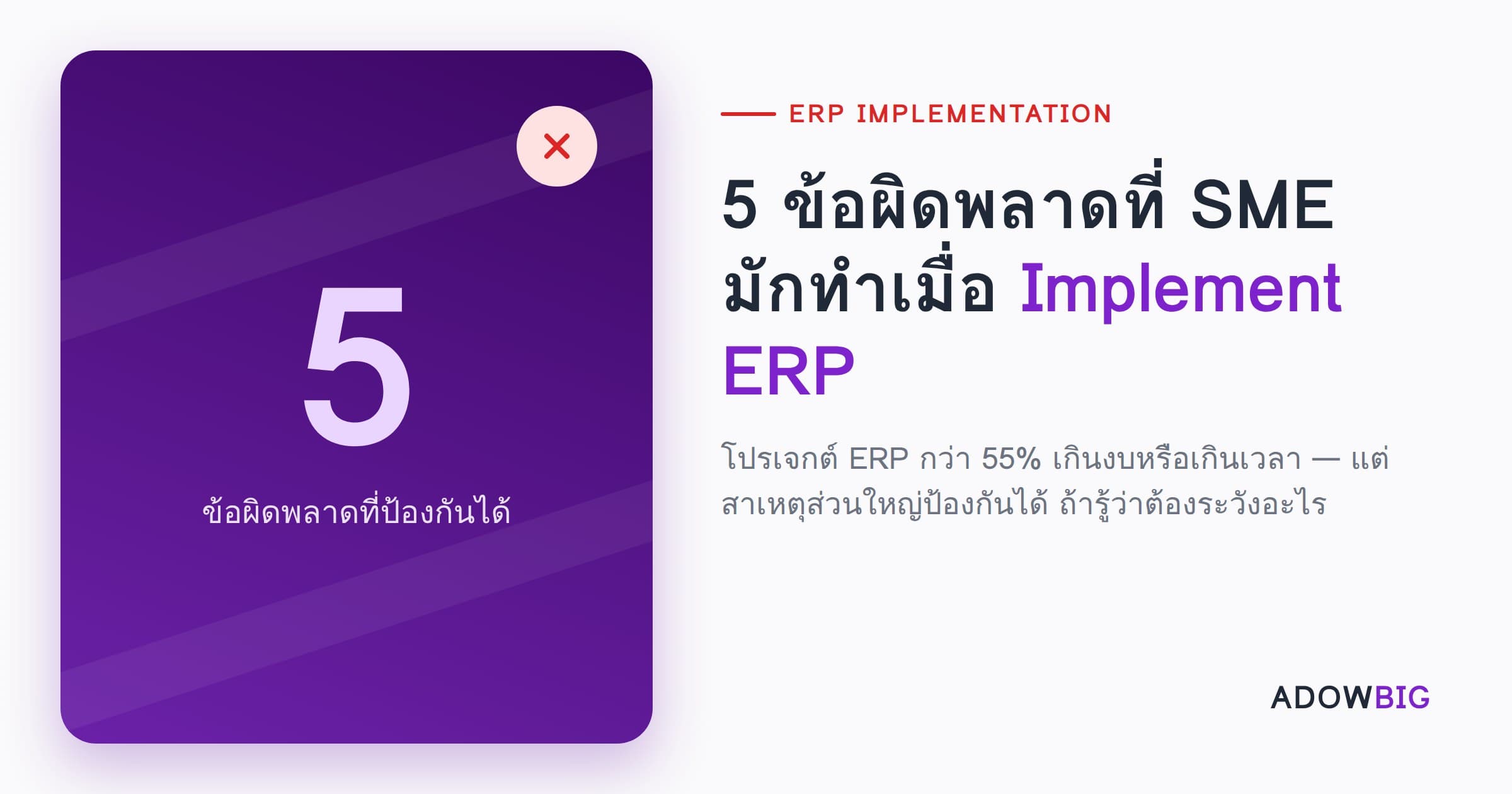
Gartner reports that more than 55% of ERP projects exceed budget or timeline. For SMEs, that number is higher still — they often lack the resources and experience to manage projects of this scale.
But most causes are preventable — if you know what to watch out for.
Mistake 1: No Clear Business Requirements Before Starting
Symptom: The team says "we need ERP" but can't answer what the current process is, where the main problems are, or what "success" means.
Result: The implemented system doesn't actually solve real problems. Repeated customizations waste both money and time.
How to Avoid:
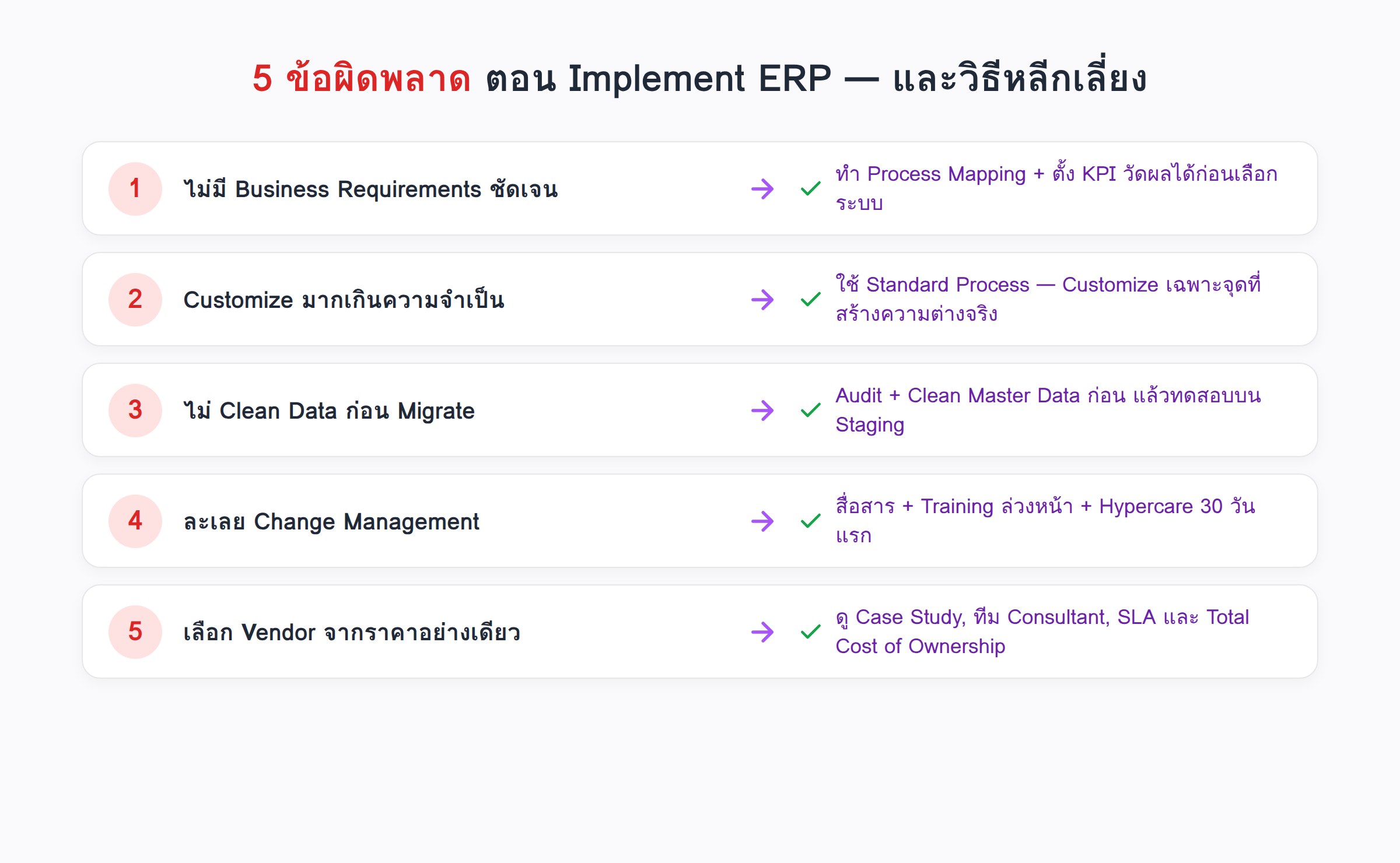
- Do Business Process Mapping before selecting software
- Define measurable success KPIs: e.g., "Reduce month-end close from 10 days to 2 days"
- Gather requirements from every affected department
Mistake 2: Over-Customization
Symptom: Instead of adjusting business processes to match ERP best practices, the system is customized to work the old way.
Result: High customization costs, difficult future upgrades, and customizations often create new problems.
How to Avoid:
- Ask first: "Why do we do it this way?" If the answer is "we've always done it this way," that's not a good reason
- Accept standard ERP processes for non-competitive areas
- Limit customizations to what creates genuine differentiation
Mistake 3: Not Cleaning Data Before Migration
Symptom: Rushing to migrate data from old systems without checking quality.
Result: "Garbage In, Garbage Out" — the new ERP fills with duplicates, outdated information, and inconsistent formats that are hard to use.
How to Avoid:
- Audit data before migration: duplicates? missing data? inconsistent formats?
- Clean Master Data (customers, vendors, products) first
- Run a migration test on Staging before Go-Live
Mistake 4: Insufficient Change Management
Symptom: IT team runs implementation without communicating with actual end-users until Go-Live day.
Result: Employees resist the new system and find workarounds back to Excel, as if the change never happened.
How to Avoid:
- Communicate early on why the change is happening and what employees gain from it
- Recruit "Power Users" from each department to test and provide feedback
- Training at least 2-3 weeks before Go-Live
- Hypercare Support for the first 30 days post-Go-Live
Mistake 5: Choosing a Vendor Based Only on Price
Symptom: Selecting the cheapest Software House or Implementer without checking track record.
Result: Slow implementation, poor support, needing to hire someone new to fix problems at higher total cost.
How to Avoid:
- Review real Case Studies and customer references
- Ask how many Certified Consultants the vendor has
- Check SLAs for Support and Bug Fix response
- Consider Total Cost of Ownership, not just the Implementation Fee
Summary: Successful ERP Starts with Preparation
ERP is not just software — it's a Business Transformation Project. Success depends equally on People, Process, and Technology.
Adowbig guides clients through the entire ERP Journey — from Business Analysis, Implementation, Data Migration, to Training and Post-Go-Live Support.
Ready to implement ERP the right way? Talk to the Adowbig team