Many Thai businesses run online stores on Shopify, WooCommerce, or Lazada/Shopee — while still managing stock, processing orders, and issuing receipts manually, with no connection between systems. The result: harder work, more errors, and a ceiling on how far the business can scale.
This article explains why you need to connect, what to connect, and how to get started if you're ready to take your e-commerce operations to the next level.
Problems Caused by Disconnected Systems
| Problem | Impact |
|---|---|
| Stock not synced | Customers buy out-of-stock items → order cancellations → lost trust |
| Manual order entry | Slow, error-prone, and expensive in labor cost |
| Price not synced | Price updated in ERP but website still shows old price |
| Incomplete sales reports | Manual export and merge required |
| Delayed shipping | No visibility into which orders to pick and pack first |
Integration Architecture: The Overview
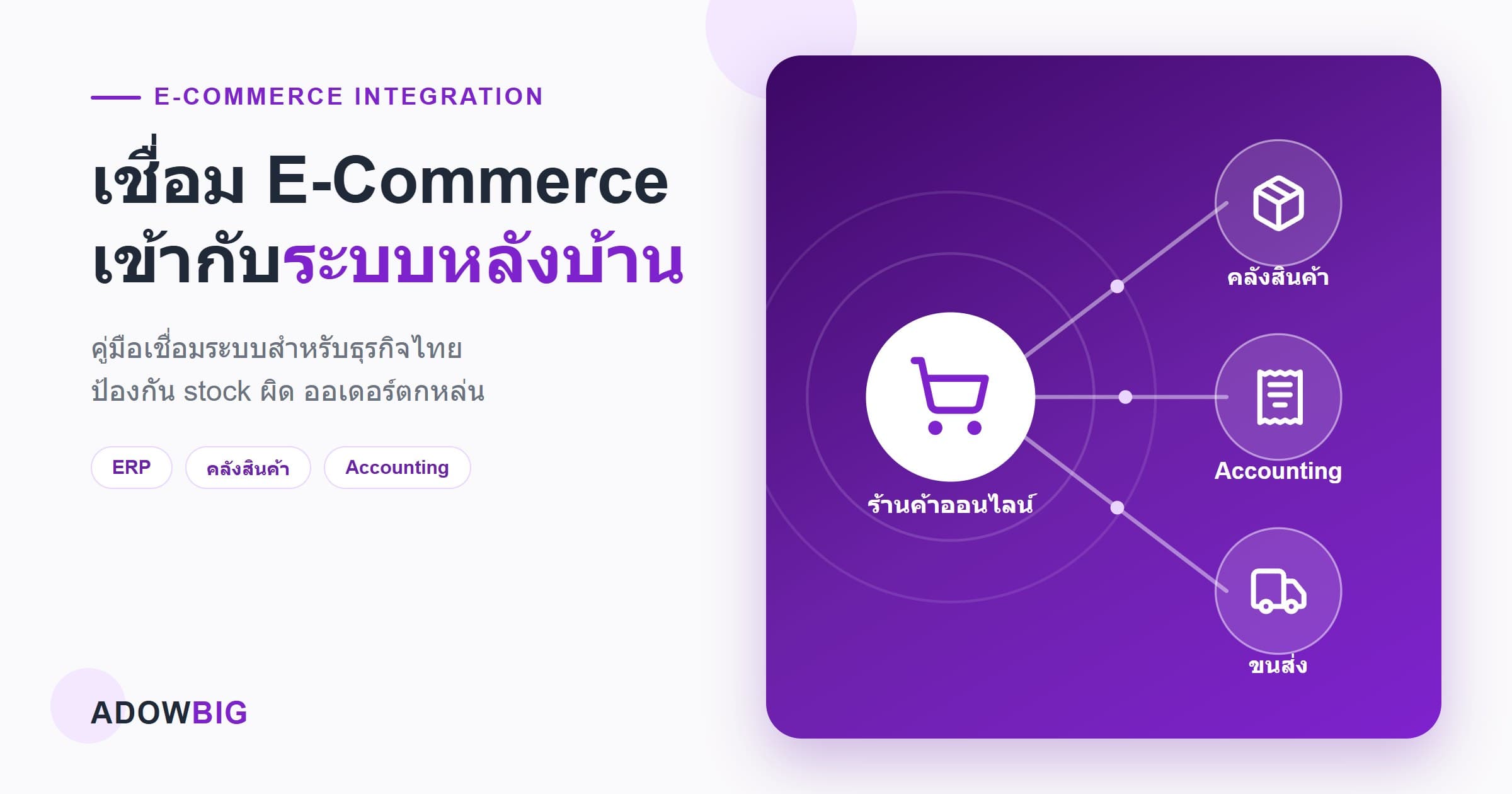
A well-designed e-commerce integration has four key components:
1. E-Commerce Platform (Shopify, WooCommerce, Line Shopping, etc.) The customer-facing front-end where orders are placed.
2. Integration Layer / Middleware The connector that receives events from e-commerce and routes them to back-office systems — handling transformation, validation, and error management.
3. Back-Office Systems
- ERP/Inventory — stock, purchase orders, goods receipts
- Accounting — invoicing, tax documents
- WMS — warehouse management
- Logistics/Shipping — carrier connections (Kerry, Flash, J&T)
4. Master Data Management Keeps product catalog and customer data consistent across all systems.
What Data Flows Where, and How Often
| Data | Direction | Frequency |
|---|---|---|
| Product & Price | ERP → E-Commerce | On change |
| Stock Level | ERP/WMS → E-Commerce | Real-time or every 5–15 min |
| New Order | E-Commerce → ERP | Real-time |
| Order Status | ERP/Logistics → E-Commerce | Real-time |
| Customer Data | E-Commerce → CRM | On new/update |
| Invoice | ERP → E-Commerce/Email | On order confirmation |
| Shipping Tracking | Logistics → E-Commerce | Real-time |
Common Integration Patterns
Pattern 1: Direct API Integration
E-Commerce sends webhook → Middleware receives → Calls ERP API
Best for: Low to medium order volumes (< 500 orders/day) Advantage: Simple, real-time
Pattern 2: Message Queue (Event-Driven)
E-Commerce → Message Queue (RabbitMQ/SQS) → Consumer → ERP
Best for: High order volumes or when reliability is critical Advantage: Resilient to system downtime, automatic retry, scalable
Pattern 3: iPaaS Platform
Use off-the-shelf platforms like Zapier, Make.com, or n8n.
Best for: Small businesses with limited budget who need to start quickly Limitations: Monthly licensing cost, limited customization for complex logic
Steps to Start E-Commerce Integration
Step 1: Process Mapping (1–2 weeks)
Map all data flows: what happens when an order arrives? Who does what? Which systems are involved?
Step 2: Data Audit
Check whether product and customer data in your e-commerce platform and ERP actually match. Data cleaning must happen before integration begins.
Step 3: API Documentation Review
Verify that your e-commerce platform and ERP have open APIs. Do they support webhooks? What are the rate limits?
Step 4: Pilot Integration (4–8 weeks)
Start with 1–2 of the most critical flows, such as Order → ERP and Stock Update → E-Commerce.
Step 5: Testing & Monitoring Setup
Test edge cases: cancelled orders, partial shipments, refunds. Set up monitoring alerts for integration failures.
Step 6: Go-Live & Gradual Migration
Run the integration in parallel with manual processes initially. Once confident, eliminate manual steps.
Conclusion
Good e-commerce integration transforms store operations from manual work to automated systems that can scale. Adowbig has experience connecting Shopify, WooCommerce, Lazada, and Shopee to ERP and WMS systems of all kinds. Contact us for a free system analysis.