Picture this: a developer finishes a bug fix, manually deploys, forgets to remove some commented-out code, and the system crashes at 3am. Customers call in, IT scrambles, and six hours later the issue is resolved.
This scenario plays out constantly in teams without a CI/CD pipeline.
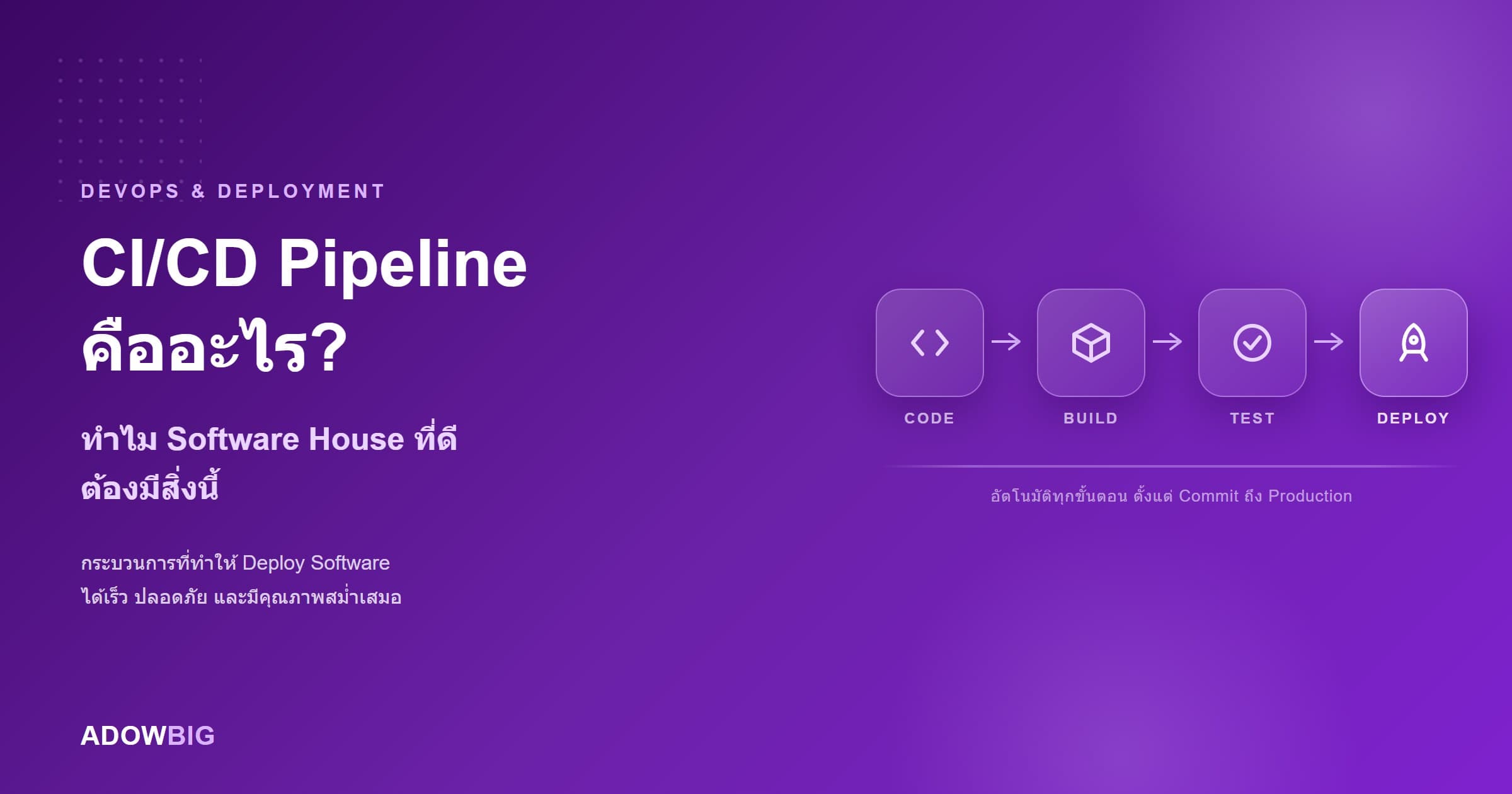
What Is CI/CD?
CI/CD stands for:
- CI (Continuous Integration) — automatically building and testing code every time a developer pushes new changes
- CD (Continuous Delivery or Continuous Deployment) — automatically deploying code to servers after it passes tests
Together, they form a pipeline that takes code from a developer's machine to the production server automatically, through multiple quality checks.
How It Works (Non-Technical Explanation)
Think of it like quality control on a production line:
Developer writes code → pushes to Git
                           ↓
           Pipeline runs automatically
                           ↓
     1. Does code pass automated tests?
        ❌ Fails → immediately notify developer, stop deploy
        ✅ Passes → continue
                           ↓
     2. Security vulnerability scan
     3. Code quality check
     4. Build deployment package
     5. Deploy to staging environment
     6. Run smoke tests on staging
     7. Deploy to production (auto or pending approval)
Measurable Benefits
Faster Deployment
Manual deploy: 2–4 hours, prone to human error CI/CD deploy: 10–30 minutes, automated, repeatable
Higher Deployment Frequency
Teams with CI/CD deploy 200x more often, according to DORA Metrics (State of DevOps report). Elite teams deploy multiple times per day vs. standard teams deploying 1–4 times per month.
Faster Mean Time to Recovery (MTTR)
When issues occur post-deploy, CI/CD enables rollback in minutes instead of hours.
Catching Bugs Earlier
Tests run on every push catch bugs the moment they're introduced — not at the QA phase.
Key CI/CD Pipeline Stages
1. Source Control (Git)
Everything starts at a Git repository. Developers push to their own branches and conduct code reviews before merging.
2. Build Stage
- Install dependencies
- Compile/transpile code (e.g., TypeScript → JavaScript)
- Bundle assets
3. Test Stage
- Unit tests — testing all core functions
- Integration tests — testing component interactions
- Linting — enforcing consistent code style
4. Security Scan
- SAST (Static Application Security Testing) — analyzing code for vulnerabilities
- Dependency audit — checking packages for known CVEs
5. Deploy to Staging
Automatic deployment to a staging environment that mirrors production for additional testing.
6. Deploy to Production
After staging passes → automatic deployment to production (Continuous Deployment) or pending senior developer approval (Continuous Delivery).
Questions to Ask Your Software House
- "Do you have a CI/CD pipeline? What tools do you use?"
- "What is your automated test coverage?"
- "How long does each deployment take?"
- "If a deployment causes a problem, how do you roll back?"
- "Do you have a staging environment separate from production?"
Summary
A CI/CD pipeline isn't just a "technical detail" — it's the foundation of a mature engineering culture that directly impacts:
- Speed: Features reach users faster
- Quality: Fewer bugs through automated testing
- Reliability: Stable systems and safe deployments
- Confidence: Teams deploy frequently without fear
A software house with solid CI/CD is one that cares about the long-term quality of your product.
Adowbig uses CI/CD pipelines on every project, with automated testing, security scanning, and zero-downtime deployments. Learn about our approach