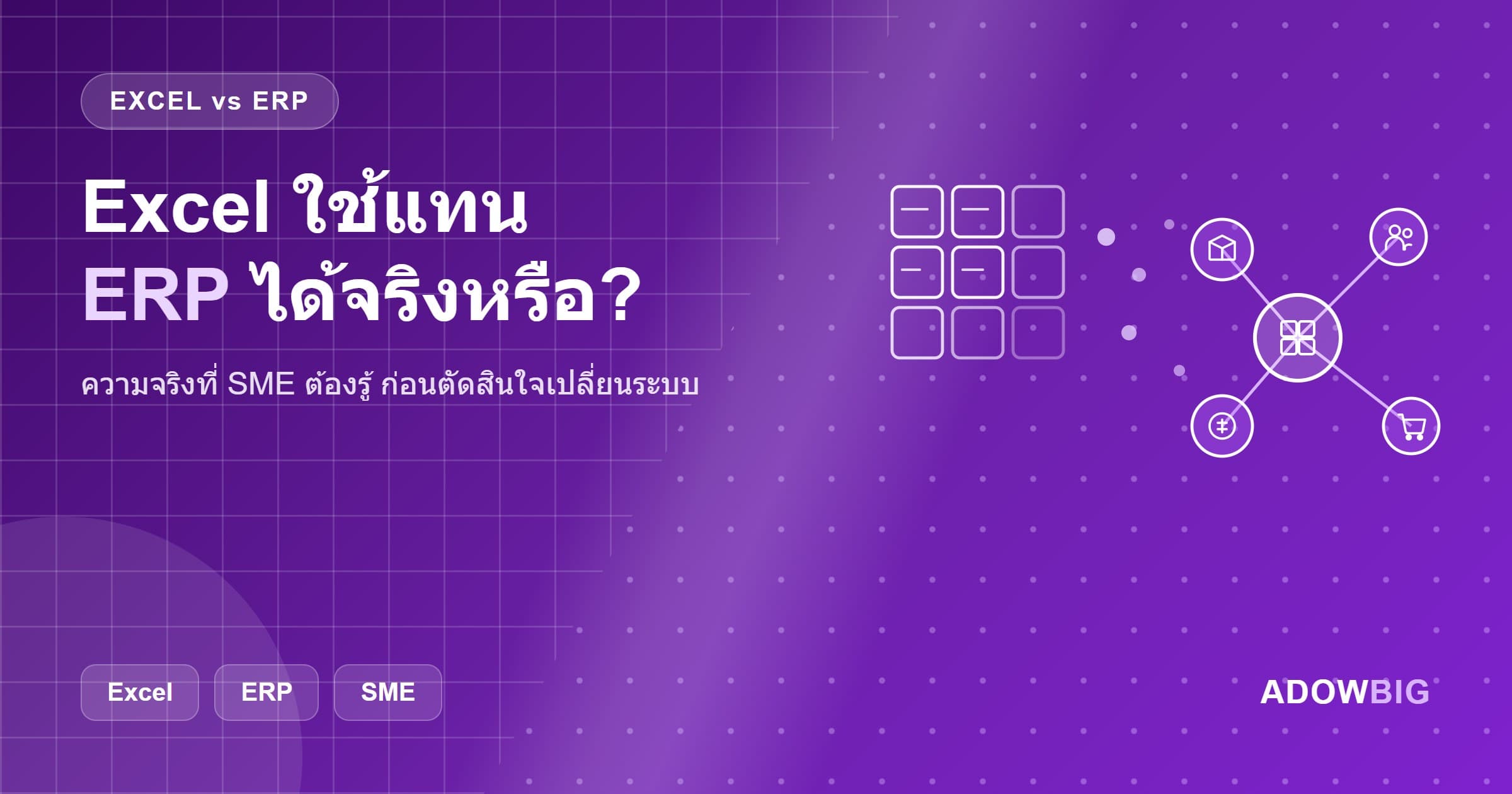
คำถามที่ SME ถามบ่อย: "Excel ใช้แทน ERP ได้ไหม?"
คำตอบสั้นๆ คือ ไม่ — แต่ Excel ยังมีที่ยืน
Excel เป็นเครื่องมือที่ยอดเยี่ยมสำหรับการวิเคราะห์ข้อมูล วาง Model ทางการเงิน หรือทำ Ad-hoc Report แต่มันไม่ใช่ ERP เพราะขาด Business Logic ที่ทำให้ Enterprise Resource Planning ทำงานได้จริง
ERP คืออะไร?
ERP (Enterprise Resource Planning) คือระบบซอฟต์แวร์ที่รวมการจัดการ Resource ทั้งหมดของธุรกิจไว้ในที่เดียว:
- สต็อกและคลังสินค้า — ติดตาม Stock Level, Movement, Reorder Point
- การจัดซื้อ — PO, Vendor Management, Receiving
- การผลิต — Work Order, BOM, Production Planning
- การขาย — Quotation, Sales Order, Invoicing
- บัญชีและการเงิน — GL, AR, AP, Cash Flow
- HR และเงินเดือน — Employee, Payroll, Leave, Attendance
- CRM — Customer, Lead, Opportunity
ความแตกต่างสำคัญ: ทุกModule เชื่อมกัน Real-time เมื่อขายของ Stock ลดทันที เมื่อรับ Payment บัญชีอัปเดตทันที ไม่ต้องกรอกข้อมูลซ้ำ
ทำไม Excel ไม่ใช่ ERP?
1. ไม่มี Business Logic ในตัว
Excel คำนวณตามสูตรที่คุณสร้าง แต่ไม่มีกฎ Business ในตัว เช่น "เมื่อ Stock ต่ำกว่า Minimum ให้สร้าง PO อัตโนมัติ" หรือ "Invoice จ่ายเกิน Due Date แจ้งเตือน Finance"
2. ไม่มี Multi-user ที่แท้จริง
เมื่อหลายคนแก้ไข Excel File พร้อมกัน เกิดปัญหา Version Conflict ข้อมูลขัดแย้งกัน ERP มี Database ที่ทุกคนเห็นข้อมูล Real-time เดียวกัน
3. ไม่มี Audit Trail
Excel ไม่บันทึกว่าใครแก้ไขอะไร เมื่อไหร่ ERP บันทึกทุก Transaction พร้อม User และ Timestamp — สำคัญมากสำหรับ Compliance และการตรวจสอบ
4. ไม่ Scale
ธุรกิจขนาดเล็กมี Transaction น้อย Excel รับได้ แต่เมื่อมี 1,000 SKU, 500 ลูกค้า, Transaction 200 รายการ/วัน Excel เริ่ม Slow และ Error บ่อย
5. Integration จำกัด
Excel ไม่ Integration กับระบบอื่นได้โดยตรง — ต้อง Export/Import ด้วยมือ ทำให้ข้อมูลล่าช้าและผิดพลาดบ่อย
Excel ยังมีที่ยืนอยู่ไหม?
ยังมีครับ — เพียงแต่ใน Use Case ที่ถูกต้อง:
✅ Excel เหมาะกับ:
- Financial Modeling และ Scenario Planning
- Ad-hoc Analysis และ Dashboard ชั่วคราว
- Export ข้อมูลจาก ERP มาวิเคราะห์เพิ่มเติม
- ธุรกิจที่เพิ่งเริ่มต้น Transaction น้อยมาก
❌ Excel ไม่เหมาะกับ:
- ระบบสต็อกและคลังสินค้าหลัก
- บัญชีและการเงินหลัก
- ระบบขายหลัก
- ทุกอย่างที่ต้องการ Real-time Multi-user Access
7 สัญญาณว่าถึงเวลาต้องเปลี่ยนจาก Excel ไป ERP
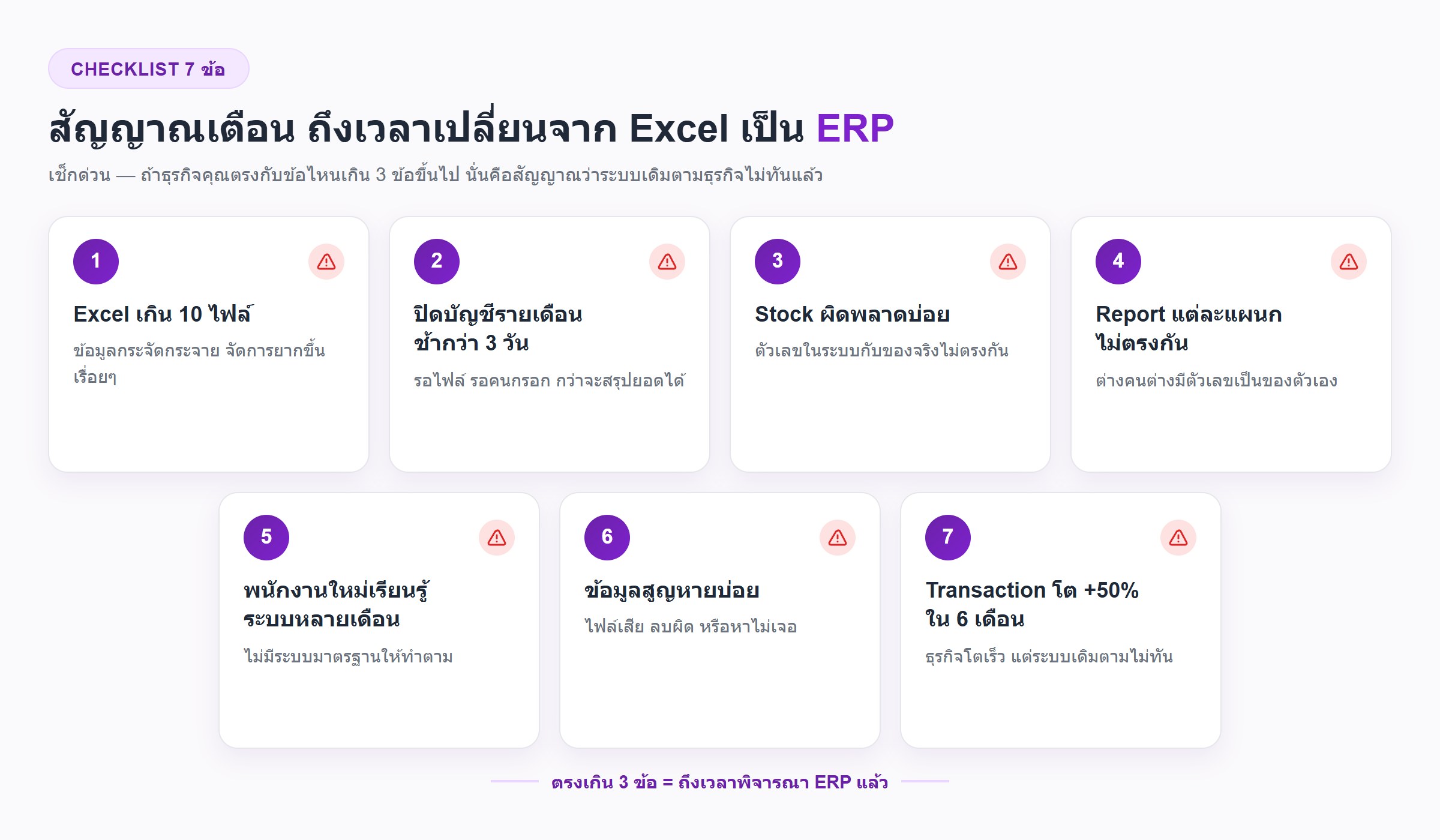
- มี Excel File มากกว่า 10 ไฟล์ เชื่อมกันด้วย Formula ซับซ้อน — เมื่อแก้ไฟล์นึงอีกไฟล์พัง
- ปิดบัญชีรายเดือนใช้เวลามากกว่า 3 วัน — ทีมวิ่งหาข้อมูลจากหลายแหล่ง
- Stock ผิดบ่อย — Excel ไม่ได้อัปเดต Real-time ทำให้ขายของที่ไม่มี Stock
- Report ออกมาไม่ตรงกัน — Finance, Sales, Warehouse ใช้ข้อมูลคนละชุด
- พนักงานใหม่ใช้เวลาหลายเดือนเรียนรู้ระบบ — Excel ที่ซับซ้อนไม่มี Documentation ที่ดี
- ข้อมูลสูญหายบ่อย — ไม่มี Backup อัตโนมัติ หรือ File Corrupt
- ธุรกิจโตเร็ว — เพิ่ม Transaction 50% ขึ้นไปภายใน 6 เดือน Excel รับไม่ไหว
ERP ตัวไหนที่เหมาะกับ SME ไทย?
Odoo — ยอดนิยมที่สุดสำหรับ SME
เหมาะกับ: ธุรกิจทุกขนาด, มี Community Version ฟรี
เด่น: UI ทันสมัย, Module ครบมาก (50+ Module), Community ใหญ่
ต้นทุน: Community Edition ฟรี, Enterprise Edition จ่ายต่อ User/เดือน
Adowbig รองรับ: ติดตั้ง, Customize, Migrate ข้อมูล, Support
ERPNext — Open Source ที่ยืดหยุ่น
เหมาะกับ: Manufacturing, Healthcare, Nonprofit
เด่น: Open Source 100%, Manufacturing Module แข็งแกร่ง
ต้นทุน: ฟรี (Self-host) หรือ Frappe Cloud
Custom ERP
เหมาะกับ: ธุรกิจที่มี Process เฉพาะมากเกินไปสำหรับ Off-the-shelf
เด่น: ตรง Requirement 100%, Integration กับระบบที่มีอยู่ได้ดีที่สุด
ต้นทุน: สูงกว่า แต่ Long-term ตอบโจทย์มากกว่า
ขั้นตอนย้ายจาก Excel ไป ERP
- Audit Process ปัจจุบัน — Map Process ทั้งหมดที่ทำใน Excel อยู่
- เลือก ERP ที่เหมาะ — ประเมินจาก Module ที่ต้องการ, งบประมาณ, ทีม IT
- Clean ข้อมูล — ก่อน Migrate ต้องทำความสะอาด Master Data (สินค้า, ลูกค้า, Vendor)
- Migrate Data — นำข้อมูลจาก Excel เข้าสู่ ERP
- อบรมทีม — ทุกคนต้องเข้าใจ Workflow ใหม่ใน ERP
- Go-live แบบ Parallel — Run ทั้ง Excel และ ERP ช่วง 1-2 เดือนแรกเพื่อ Verify
- Cut Over — หยุดใช้ Excel เป็นระบบหลัก
Adowbig ช่วย ERP ได้อย่างไร?
เราเป็นผู้เชี่ยวชาญ ERP ที่เข้าใจ Context ธุรกิจไทย:
- ERP Consulting — วิเคราะห์ Requirement และแนะนำ ERP ที่เหมาะสม
- Odoo / ERPNext Implementation — ติดตั้ง Configure และ Customize ให้ตรง Process ของคุณ
- Data Migration — Migrate ข้อมูลจาก Excel ด้วยความแม่นยำสูง
- Training — อบรมทีมงานให้ใช้ ERP ได้อย่างมีประสิทธิภาพ
- Post-launch Support — SLA และ Helpdesk หลัง Go-live
พร้อมย้ายจาก Excel ไป ERP? ปรึกษาทีม Adowbig ฟรี เราช่วยประเมิน Scope และวาง Roadmap ให้